How do you use SDBcheck®?
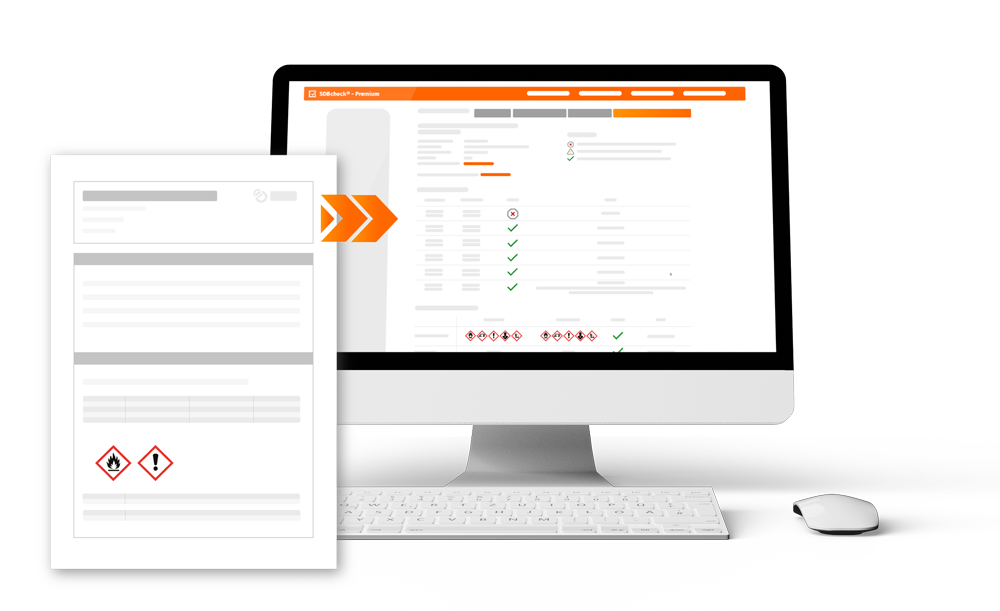
I use SDBcheck to check the SDSs I receive before I read them into GeSi3.
How does SDBcheck® change your workflow?
At the beginning of the week, I upload the SDSs that I want to check during the week to SDBcheck®. The save function for registered SDBcheck® users makes this very easy. I can access the SDSs again and again under “My SDBcheck®” and work on them. Using the “Preselection for GeSi3 import” function, I can easily mark which SDSs have been checked and can be imported into GeSi3.
What advantages do you experience by using SDBcheck®?
SDBcheck® allows me to check the SDS much more intensively, but still saves me time. I can also make direct contact with the creator if there are any deviations that need to be checked.
The SDBcheck® interface to GeSi3 also gives me the opportunity to clearly display our hazardous substances and map a wide variety of categories: Storage – Workplaces – Operating instructions (create). GeSi3 also helps me to maintain an overview when, for example, SDSs need to be updated or current SDSs need to be requested.
What tips do you have for new SDBcheck® users?
It helped me a lot to take part in one of the free webinars. I then took the time to test everything with a sample SDS. The subsequent work with SDBcheck® helped me to consolidate my skills. I really enjoyed working with SDBcheck® and GeSi3.